Neon vs Natural Split - MakeMyTrend

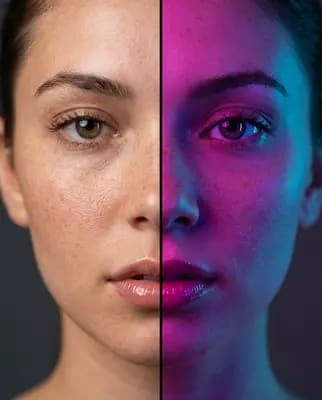
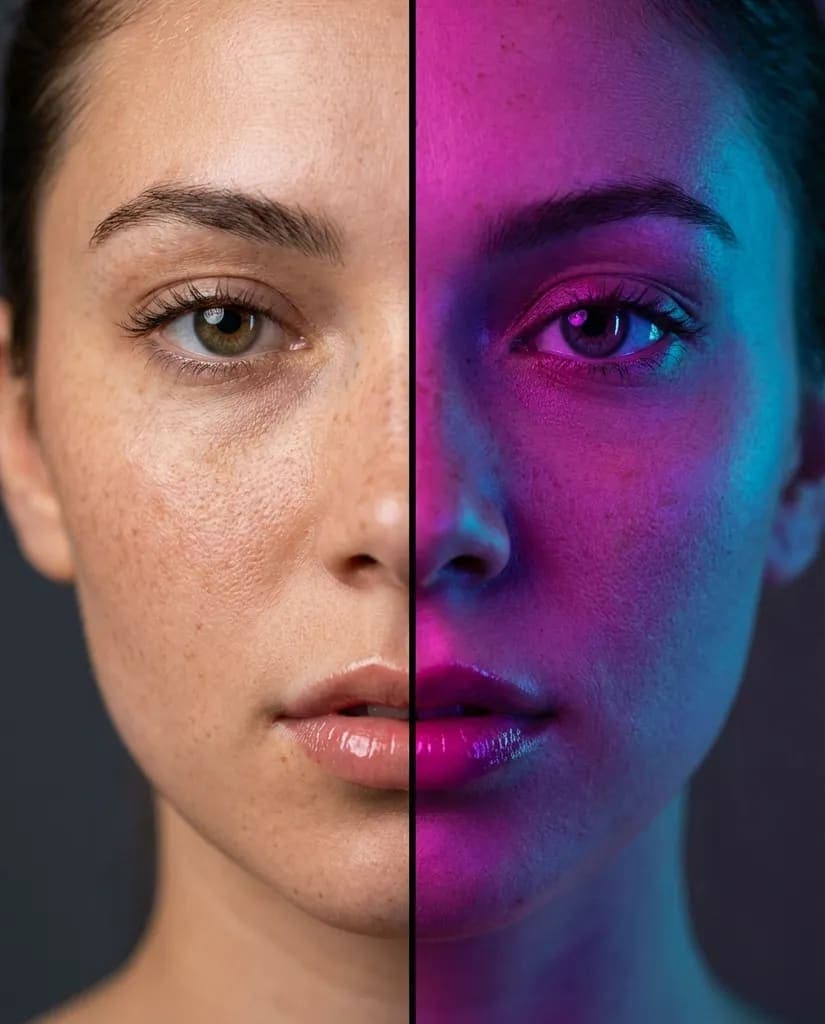
Neon vs Natural Split

Close-up beauty portrait of a 20s model

Key Features & Style

  • Free to use
  • No prompts needed
  • Works with any selfie
  • HD download & share
Private Preset / Recipe

This trend uses a specialized, private generation recipe from the original source. The raw prompt text is not publicly released.

AAdmin@admin
إعلان

How to Use

Step-by-step Guide

1

Upload your selfie

Choose a clear, front-facing photo from your camera roll — large files are compressed automatically.

2

Click generate

The Neon vs Natural Split style is applied for you: lighting, colour and composition included.

3

Download & share

Grab the HD file or send the share link straight to your feed.
About This Trend

The Neon vs Natural Split look sits in the gemini ai half face prompt family of AI photo styles — close-up beauty portrait of a 20s model. Instead of writing complex prompts in tools like Midjourney or Stable Diffusion, MakeMyTrend bakes the Neon vs Natural Split look into a one-click recipe so anyone can join in. Under the hood, MakeMyTrend pairs Google's Gemini image models with a per-trend style recipe, so your facial identity is preserved while the Neon vs Natural Split palette, lighting and framing are applied faithfully. Every result is ready for a profile picture, a story, or a shared link.

Media Gallery

Neon vs Natural Split

Common Questions

Frequently Asked Questions

You upload one selfie and MakeMyTrend applies the Neon vs Natural Split style automatically — colour palette, lighting, outfit and composition are all baked into the trend recipe. There's nothing to configure and no prompt to write.

إعلانات موصى بهامحتوى ممول

More Inspiration

Related Prompts & Trends

View more in Gemini AI Half Face Prompt →

Discussion & Comments

Sign in to join the discussion and share your thoughts.